Every week someone sends me a new AI recruiting tool. It sources, screens, interviews, it writes the job ad and, if the demo is to be believed, it will place the candidate while you're at lunch.
I've been in recruitment for more than 15 years. I spent ten of them helping build one of the largest boutique search firms in its market, and now I run my own desk. I also build recruitment software, so you can read what follows with that in mind. I still think most of what's sold as AI for recruiters is built for an in-house team processing 4,000 applications. That isn't your problem when you work alone.
On a small desk your problem is time. You're doing business development, delivery and invoicing on your own. The question worth asking is which AI tools hand you back hours without putting your name, your candidates or your reputation at risk.
Here's how I'd sort them.
- On a small desk, AI is worth paying for when it takes admin off your plate: drafting outreach, writing up notes, reading CVs into your database, researching companies and reminding you who's due a call
- Be much more careful with AI that decides things about candidates. Automatic screening, ranking and scoring is where the legal risk and the bias problems sit
- The rules are tightening wherever you recruit. Tell candidates when AI is involved, ask vendors for their bias testing, and never let a tool guess personal characteristics
- Keep a person on every decision about a person, and keep your name off anything you haven't read
- Before you buy, ask where the data comes from, whether it can show its sources, and whether anything goes out without you pressing send. Then test it on your own desk for a week
What does AI in recruitment mean on a small desk?
AI in recruitment means software that reads, writes, sorts or predicts parts of the hiring process that a recruiter used to do by hand. On a small desk I split it into two groups, and the split matters more than any feature list.
AI that does the work around people. It drafts emails, writes up notes, reads CVs into records, researches companies and reminds you who's due a call. You stay in charge of every decision and every message.
AI that makes decisions about people. It screens applicants, ranks them, scores interviews or rejects people automatically. This is where most of the bias stories come from, and it's where the regulators are looking.
The first group is where a solo recruiter gets hours back. The second is built for high-volume hiring, and on a boutique desk it carries risk you don't need.
Where AI earns its place on a solo desk
These are the jobs I'd hand to AI today, roughly in order of how much time they give back.
Writing the first draft
Approaches, chasers, follow-ups, candidate specs and job ads. AI is good at a first draft when it knows who the person is and what happened at their company. It's poor when it has nothing to go on, which is why so much AI outreach reads the same.
My rule: AI writes, I read it, I change what's wrong, and I press send. If a tool sends in your name on its own, it's only a matter of time before it embarrasses you.
Notes you'd otherwise never write up
Summaries of calls and meetings, and a one-line note against each email so the history is there next time you open a record. Most solo recruiters I know are three weeks behind on notes. If you record calls, tell the person on the other end.
Reading CVs into your database
Drop in a pile of PDFs and get searchable candidate records. This used to be an afternoon of typing. Check what it pulled out, and make sure it leaves a field empty rather than guessing.
Research before the call
Who's hiring, who just moved, who raised money, who opened an office. AI can read the news and your network faster than you can. The non-negotiable here is a source on every fact. If you can't click through and check it, don't open a call with it.
Deciding who to call today
This is where I think AI helps a small desk most. Your network is the business. The trouble is remembering who's gone quiet, who owes you a reply, and which client just posted three roles. A tool that reads your inbox and your market and puts a short, ranked list in front of you each morning saves more fees than any amount of sourcing. It should always show you why each name is there.
The small stuff
Boolean strings, interview question lists, tidying a job description, turning call notes into a client update. None of it is glamorous. All of it adds up.
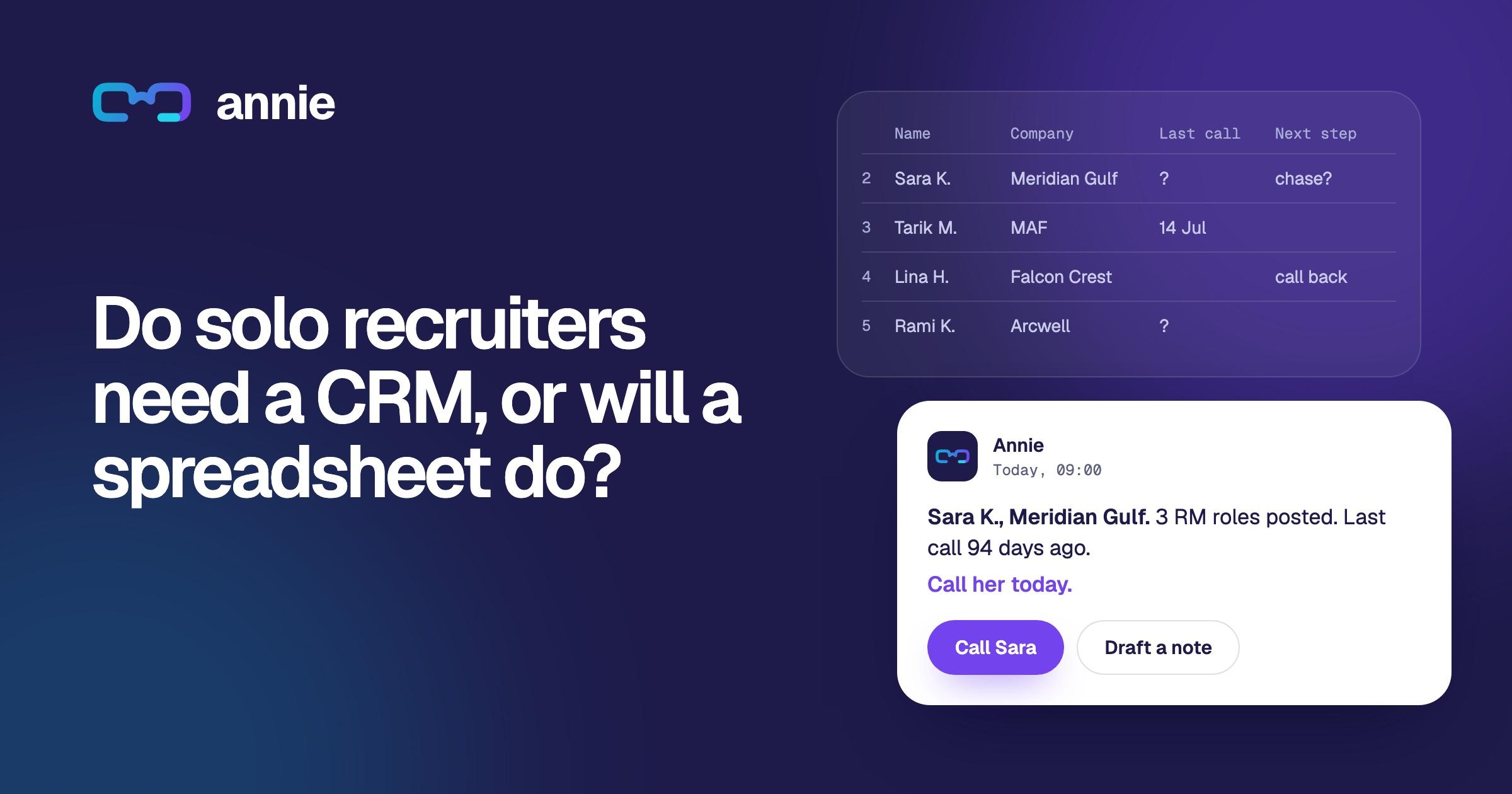
If you're still running your desk from a spreadsheet, start there before you buy anything clever. I wrote about that in Do solo recruiters need a CRM, or will a spreadsheet do?
Where I'd keep AI away from candidates
I'm not against AI near candidates. I'm against software making a call about a person that nobody can explain afterwards.
- Automatic screening and rejection. If a tool filters people out before a human has seen them, you need to know exactly how, and you need to be able to defend it.
- Scoring video interviews. Hard to explain to a candidate, harder to defend to a regulator, and not something a boutique desk needs.
- Guessing personal characteristics. Any tool that infers age, gender or ethnicity from a name or a photo. The UK regulator found tools doing exactly this (more below).
- Anything that sends without you. Candidates and clients pay attention to who wrote to them. Your name should only go on what you've read.
The well-known warning here is Amazon. In 2018 Reuters reported that Amazon had dropped an experimental CV-scoring tool after finding it marked down women. It had learned from ten years of CVs, most of them from men, and penalised CVs that included the word “women's”. That was a company with more engineers than most of us have contacts. Your vendor's tool can learn the same habits from your data.
The rules for using AI in recruitment
This isn't legal advice, and the details depend on where you and your candidates are. Wherever you recruit, though, the regulators are arriving at the same handful of rules. Follow these and you'll be on the right side of most of them.
- Tell candidates when AI is involved. Say what the tool does with their data before you use it on them.
- Keep a real person on every decision about a person. Clicking approve on whatever the software ranks first isn't a check. Someone has to look at the case and be able to change the outcome.
- Collect only what you need, and don't keep it forever. If you no longer have a reason to hold someone's data, delete it.
- Never let a tool guess protected characteristics. Age, gender, ethnicity, disability. If you need it for monitoring, ask the candidate.
- Ask for the bias testing. If a tool filters, ranks or scores candidates, ask the vendor how it was tested for bias and how often. If they can't show you, don't use it on candidates.
- Be able to explain every outcome. “The software did it” isn't a defence. If you couldn't tell a candidate why they were turned down, don't turn them down that way.
- Check the data law where your candidates are before their details go into any AI tool.
None of this is theoretical. When the UK's data regulator audited AI recruitment tools, it found some inferring gender and ethnicity from candidates' names, letting recruiters filter out people with certain protected characteristics, and keeping far more personal data than they needed, indefinitely (opens in a new tab). Every one of those was a vendor's tool that a recruiter had bought in good faith. Elsewhere, lawmakers are bringing in bias audit requirements and courts are hearing discrimination cases against screening software.
A quick guide: which recruiting tasks to hand to AI
Hand these to AI:
- Drafting outreach and chasers. You read and send every one
- Call and meeting notes. Tell people if you record, and check names and numbers
- Reading CVs into your database. Blanks stay blank. Nothing guessed
- Company research and hiring signals. Every fact needs a source you can click
- Who to call today. The reason should sit next to every name
- Job ads and candidate specs, with care. Get the candidate's consent before a named spec goes out, and no invented achievements
- Boolean strings and question lists. They're quick to check, so check them
Keep a person on these:
- Ranking or rejecting applicants. Only with a real human decision on each one, and the rules above in mind
- Scoring video interviews. I wouldn't. Hard to explain, harder to defend
- Inferring age, gender or ethnicity. No. The ICO found tools doing exactly this
Six questions to ask before you buy an AI recruiting tool
I'd ask every vendor these, including us.
- Where does the data come from, and what do you keep? Your inbox, LinkedIn, scraped profiles, a data broker? How long is it stored?
- Can you show me the source for every fact? If the tool tells me a company is hiring, I want the link.
- Does anything go out in my name without me pressing send? The answer should be no.
- Does it make or shape decisions about candidates? If yes, what bias testing has been done, and can I see the results?
- Who else sees my contacts, and is my data used to train anything for other customers? Your network is your business. It shouldn't become someone else's.
- Can I export everything and leave? If the answer involves a support ticket and a fee, you have your answer.
How to test AI recruitment software in a week
Demos are built to look good. Your own desk is the test that counts.
- Day 1: Connect your real inbox and import your real network. A demo account tells you nothing.
- Days 2 to 5: Use it for business development every morning, before anything else. Make the calls it suggests.
- Keep score: calls made from its suggestions, replies, meetings booked, hours saved, and every mistake you caught before it went out.
- Day 7: Ask yourself one question. If it disappeared tomorrow, would you miss it?
If the answer is no, don't pay for it, however good the demo was.
What AI won't do for you
Clients don't pay a placement fee for a well-written email. They pay for judgement, for the candidates only you can get to the phone, and for knowing you'll tell them the truth about a shortlist.
AI can do the research, the drafting and the remembering. It can tell you who to call. The call is still yours, and so is the relationship. On a small desk that's the business.
Where Annie fits
I built Annie because I wanted AI on my own desk that sat firmly in the first group: work around people, never decisions about them.
Every morning at 09:00 she sends a short list of people worth calling today, ranked by what changed at their company, what you owe them, how well you know them and how long it's been. Each name comes with the reason and a source. She drafts the approach, it opens in your own Gmail or Outlook, and you press send. She doesn't screen or reject candidates, and if she can't check a fact, she says so. Here's how she decides who goes at the top.
Setup takes about 15 minutes: your LinkedIn export and your inbox. Solo is $129 a month with everything included and no contract. See pricing.
Run the one-week test above on Annie. Start a 10-day free trial on your own network, no credit card needed. Or book a call with me and bring your questions, including the six above.
Questions
How is AI used in recruitment?
AI is used to draft outreach and job ads, summarise calls, read CVs into databases, research companies, prioritise who to contact and, in larger teams, screen and rank applicants. For a solo or boutique recruiter, the most useful uses are the ones that save admin time while the recruiter keeps every decision.
What are the best AI recruiting tools for a small agency?
The best AI recruiting tools for a small agency are the ones that work from your own inbox and network, show a source for every fact, never send without you, and are priced for one or a few seats. Look for a recruitment CRM with AI built in rather than five separate tools.
Is it legal to use AI to screen candidates?
In most places it's legal with conditions. You generally need to tell candidates, collect only the data you need, be able to show the tool was tested for bias and make sure a person really reviews each decision. The details vary by country, so take advice for wherever your candidates are.
Will AI replace recruiters?
Not on a small desk. AI can take over research, drafting and admin. Clients still pay recruiters for judgement, for access to people who aren't applying, and for honest advice. Those depend on relationships, and relationships still need a person.
What should I ask an AI recruitment software vendor?
Ask where its data comes from, whether it shows sources, whether it ever sends in your name, whether it makes decisions about candidates and how that was bias-tested, who else sees your contacts, and whether you can export everything and leave.
How much does AI recruitment software cost for a solo recruiter?
Prices vary widely, from free AI features inside general tools to enterprise platforms priced per seat. A solo recruiter should compare one all-in price against what a single placement fee is worth. Annie Solo is $129 a month with everything included.

Michael Stubbs has spent more than 15 years in recruitment, ten of them helping build one of the largest boutique search firms in its market. He now runs his own desk and is the founder of Annie, the recruitment CRM that tells you who to call. He is also the founder of Vantage Search Group, a research-led executive search firm.