The job a spreadsheet actually does
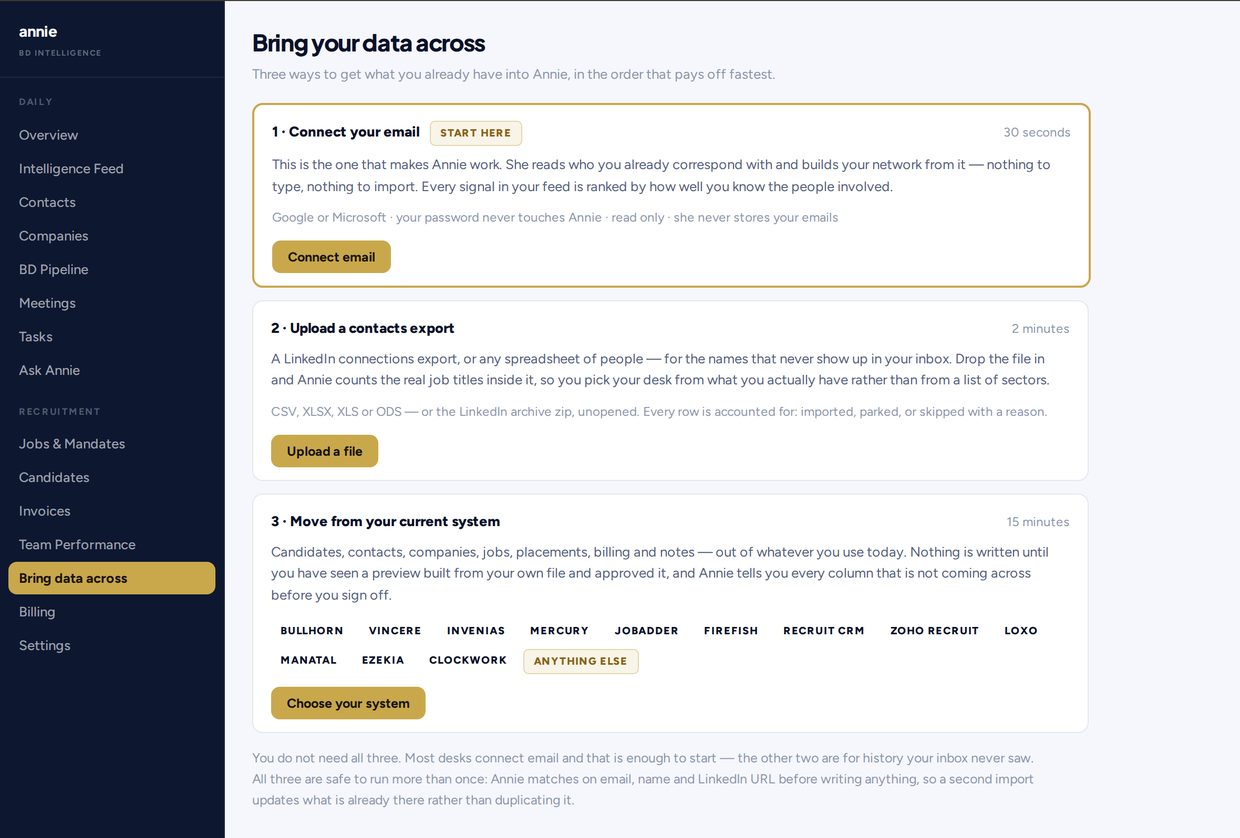
Most solo desks start here. A Google Sheet or an Excel file is cheap, familiar, and yours. You can list contacts, colour a pipeline, and export it whenever you like. Annie still accepts those files: ordinary contact spreadsheets (CSV, XLSX, XLS, ODS) import the same way a LinkedIn Connections.csv does.
The sheet is a store. The gap is everything you do not type: who you have actually emailed, who only ever connected, and who is worth a call today rather than sitting in row 847.
Where a sheet stops on a one-person desk
- Last-emailed dates are only as good as the last time you remembered to log them
- A raw LinkedIn export in a tab is a flat list. It does not rank the people you already know but have not worked with or reached out to
- Jobs, candidates, meetings and invoices live in other files, or they do not live anywhere
- Nothing reminds you to refresh the export, so the list ages and you keep calling last year’s titles
What Annie adds that a sheet will not
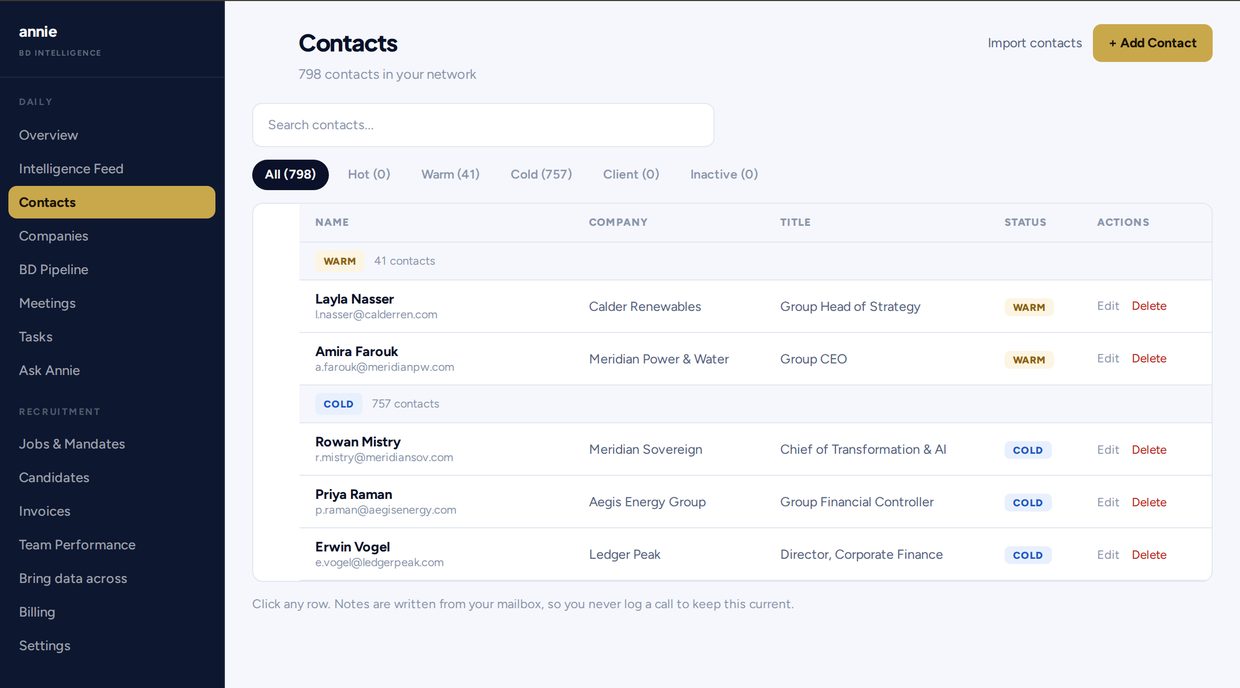
You upload the file you already have, or your LinkedIn Connections.csv (or the archive zip). You connect Google or Microsoft mail. Your password never touches Annie. Annie never sends by itself. She fills connected-on and last-emailed dates, then ranks the people you already know but have not worked with or reached out to so you work the list in the right order.
Same CRM objects you expect for search sit in the same place: contacts, companies, jobs and mandates, candidates, pipeline, meetings, tasks, invoices. What sits underneath is the network that usually goes stale in a spreadsheet.
A fair comparison
| Job | Spreadsheet | Annie |
|---|---|---|
| Hold names | Yes, if you type them | Yes, from the sheet, LinkedIn export, and mailbox |
| Last emailed | Only if you log it | Filled from the connected mailbox. Ranking uses who and when |
| Who to call today | You decide, every morning | A ranked list of people already in your contacts |
| Search objects | More tabs, or another tool | Contacts, companies, mandates, candidates, pipeline, invoices |
| Sends mail | You send it | Annie never sends by itself. A drafted message goes from your mailbox, from your address, on your click |
| Price | The sheet is free | One plan: Solo at $129/mo |
Annie only ranks people already in your contacts. If the sheet is thin, the list is short, and she says so. She does not invent strangers to pad a queue.
When a spreadsheet is still the honest fit
Stay on the sheet if you are not running a desk yet, or if you only need a personal list and you will keep it current by hand. A CRM you will not open is worse than a file you will.
Move when delivery still ships and business development is the part that slips: the export is stale, last-emailed is guesswork, and you cannot see who you already know but have never actually spoken to.
Pricing shape
One plan: Solo at $129/mo. Seven-day trial, no card to start, no minimum term. Details: Pricing.
Questions
For the contact list and the search objects, yes, if you want them in one desk. Annie also imports the sheet you already have. It does not replace a spreadsheet you use for something else, such as a personal finance tab.
Either. Annie accepts LinkedIn Connections.csv, the archive zip, and ordinary contact spreadsheets (CSV, XLSX, XLS, ODS). Most desks connect mail and upload LinkedIn. The sheet is a valid way in.
No. Annie never sends by itself. She ranks and reminds, and drafts if you ask. A message only goes from your mailbox, from your address, on your click.
Every row is imported, merged, or skipped with a reason you can read. Annie does not silently drop names.